


After the introduction of PowerPoint 2003, PowerPoint became the dominant trial presentation tool used by litigators. It has largely replaced printed large format trial exhibit boards in most high stakes cases. However, PowerPoint also introduced a problem that deserves our attention.
Instead of graphic designers creating well-designed printed trial boards, litigators and their support staff could now create exhibits on their own. Some did create great presentations, however the vast majority of trial and corporate presentations came to be dominated by the dreaded bullet point and text-heavy slides. Comedian Don McMillan covers this and other PowerPoint-related topic best:
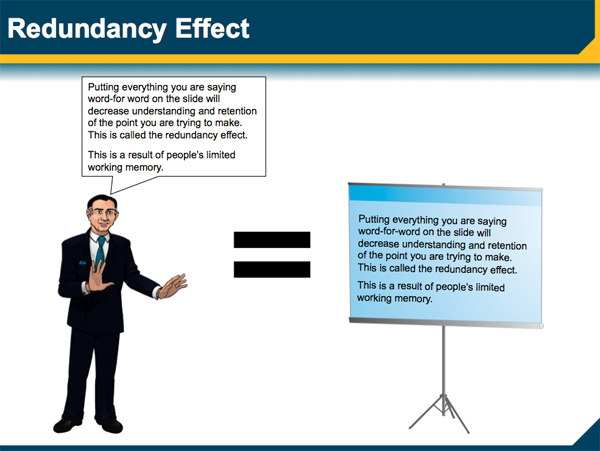
What is problematic about the bullet point and text-heavy slides in PowerPoint trial presentations is not what you might first think. Yes, bullet points almost surely lead to boredom. Sure, they are not a particularly effective technique for emphasizing key messages. Worse, as Don McMillan notes, it can be excruciating when someone reads their bullet points and text. However, worst of all is something called the redundancy effect. This scientifically validated concept is the true enemy of the effective litigator deploying legal graphics.
The Redundancy Effect
In a nutshell, the redundancy effect describes the human mind's inability to process information effectively when it is received both orally and visually simultaneously. The best known study describing this effect showed text on screen while a narrator spoke those same words. Comparison audiences saw or heard the information separately. The study revealed that people retain less information when they receive it visually and orally at the same time.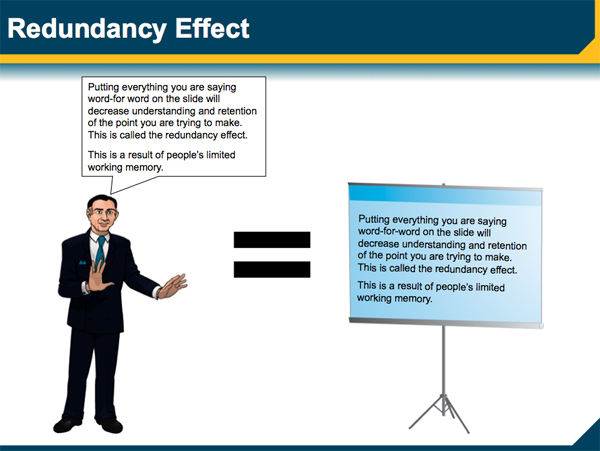
The message for litigators should be clear. Never read the text on trial exhibits you are displaying for your audience. Instead:
- Talk about trial exhibits and legal graphics diagrams.
- Pause your oral presentation and ask your fact-finders to read key text silently.
- Dim the screen (just press the B key) and read key text yourself or have an expert read the text.
- Focus on presenting diagrams instead of text.
- Speak words and don't show them.
More information on the redundancy effect can be found here.


Leave a Comment